CNC fundamentals
Operator & setup
Machine startup, homing, program loading, tools, offsets, drawings, safe setup and dimensional checks.
Company-based technical training
Practical CNC programmer, control, CIMCO and CAD/CAM training shaped around real machines, components, workflows and production objectives.

Established training routes
Course scope can be set for operators, developing programmers, experienced machinists or mixed engineering teams.
CNC fundamentals
Machine startup, homing, program loading, tools, offsets, drawings, safe setup and dimensional checks.
Programming
G and M codes, cycles, program structure, coordinate systems and conversational programming.
Controls
Control-aware training built around the interface and work your team needs to perform.
Advanced CNC
3-, 4- and 5-axis milling, multi-axis turning, driven tools and advanced machining strategy.
CIMCO
Editing, comparison, backplot, simulation, communication and manufacturing-data workflows.
CAD/CAM
Practical modelling, CAM strategy, toolpath preparation and the connection from engineering data to code.
Company training · tailored quotation
Each programme is tailored to your team, machines and controls. Learning objectives, location, duration and travel requirements are agreed before an individual company quotation.
| Training programme | Practical focus | Audience / controls |
|---|---|---|
| CNC Operator — Milling | Safe setup, tooling, offsets and checks. | Operator teams · Milling controls |
| CNC Operator — Turning | Lathe setup, workholding and safe routines. | Operator teams · Turning controls |
| CNC Turning Programming — 2 Axis | Turning cycles, programme structure and verification. | Developing programmers · Mazatrol / Fanuc / Siemens as applicable |
| CNC Milling Programming — 3 Axis | G-code or conversational programming and checks. | Mill programmers · Machine-specific controls |
| Advanced Milling — 5 Axis | Multi-axis setup, coordinates and verification. | Experienced teams · Agreed machine and control |
| Multi-Axis Turning — Twin Turret / Twin Spindle | Driven tools, process sequence and synchronisation. | Experienced teams · Machine-specific scope |
CIMCO training · company programmes
Practical company training covering CIMCO Edit Core / Ultra, backplot and verification, DNC communication and production-data workflows. Existing Standard / Professional installations can also be discussed as part of a transition.
Learning goals can include more consistent NC editing, clearer programme checks and controlled transfer to CNC machines.
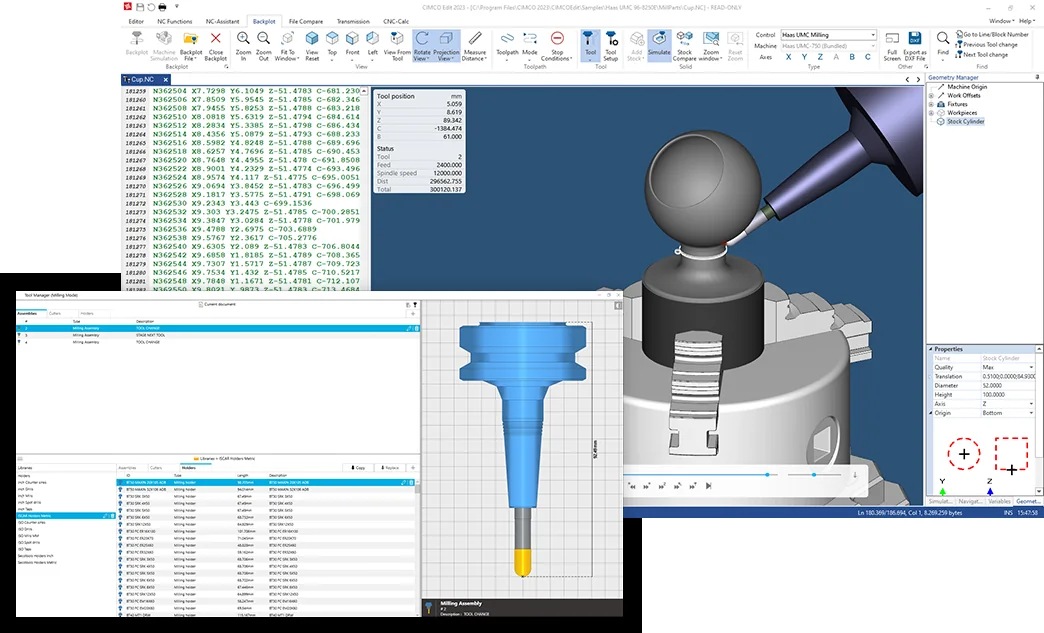
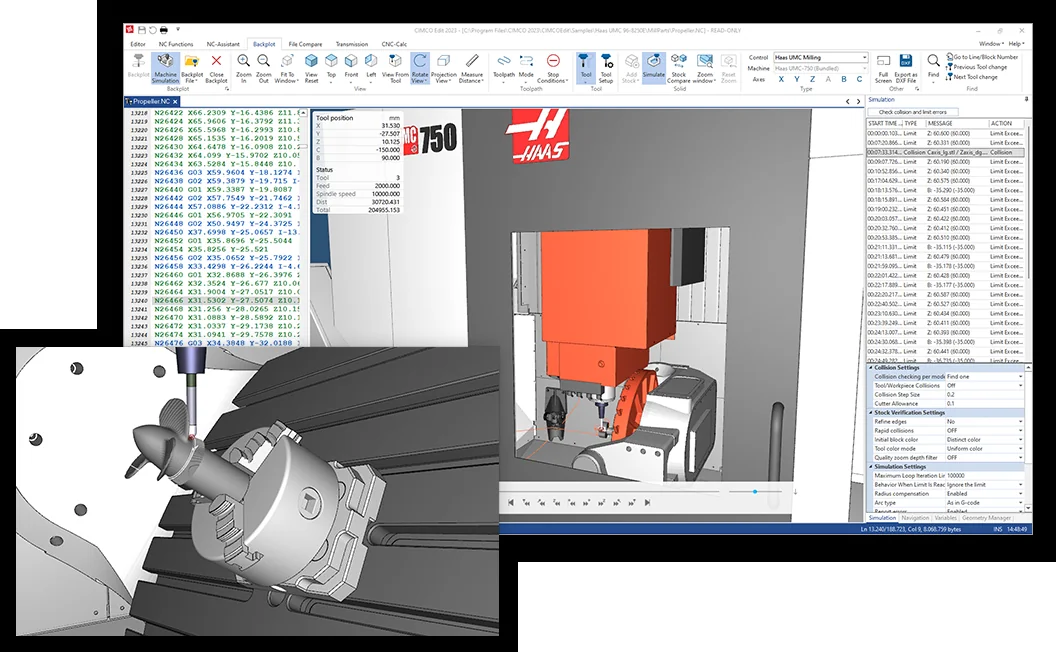
Typical company training modules — selected to match your software, machines and team.
 01
01Core: NC editing, comparison and full backplot. Ultra: solid simulation, collision reporting and advanced verification.
 02
02Milling and turning backplot, toolpath interpretation and verification practice; full physical machine-model simulation is a separate CIMCO add-on.
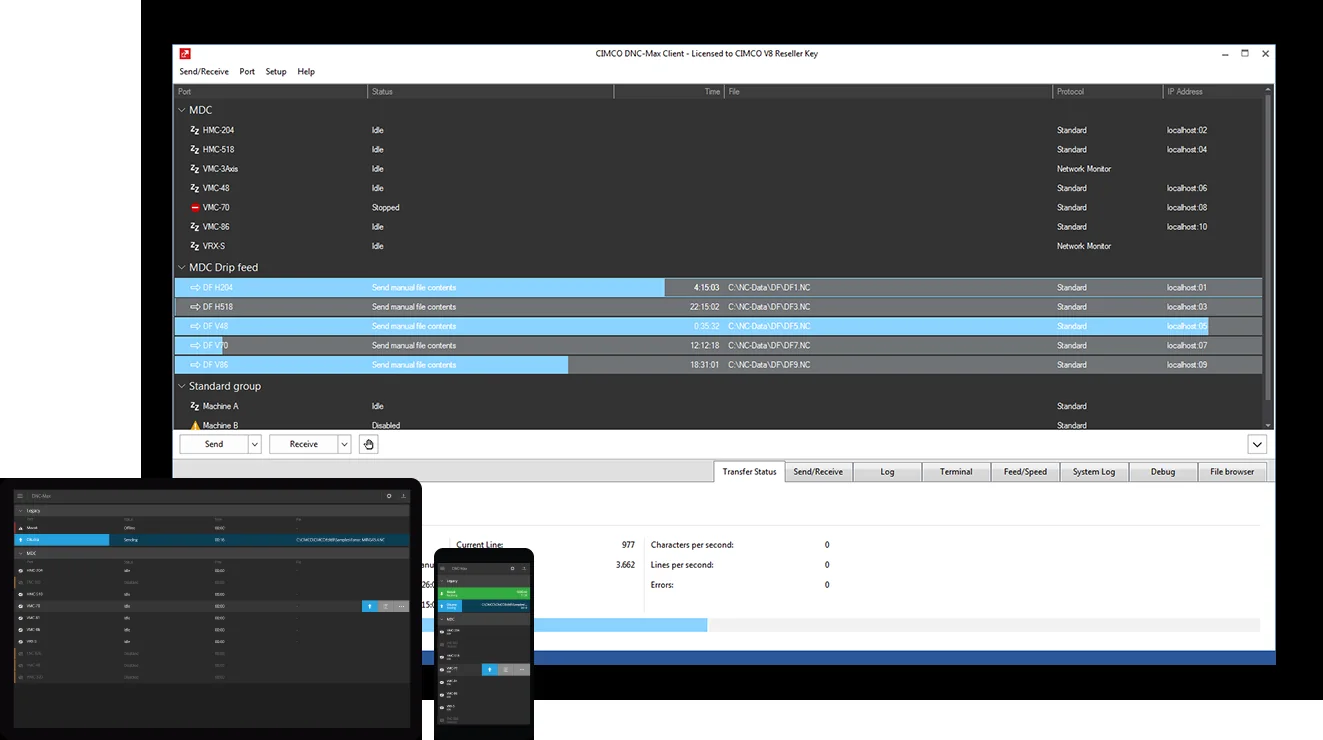 03
03Program transfer concepts, operator workflows and controlled movement of CNC data.
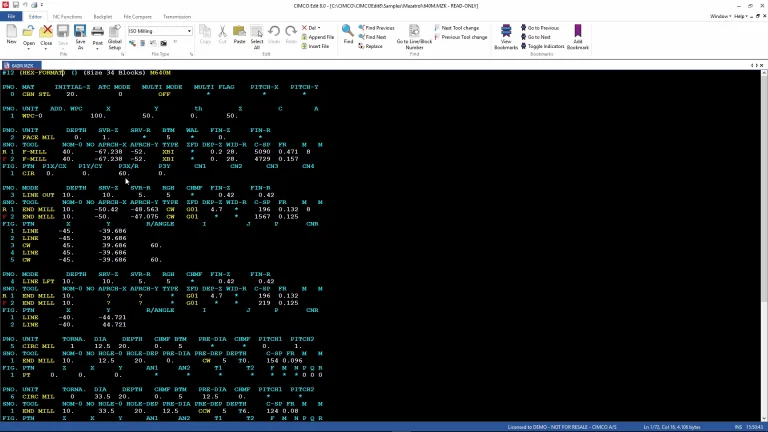 04
04Read and review supported Mazatrol program information away from the control.
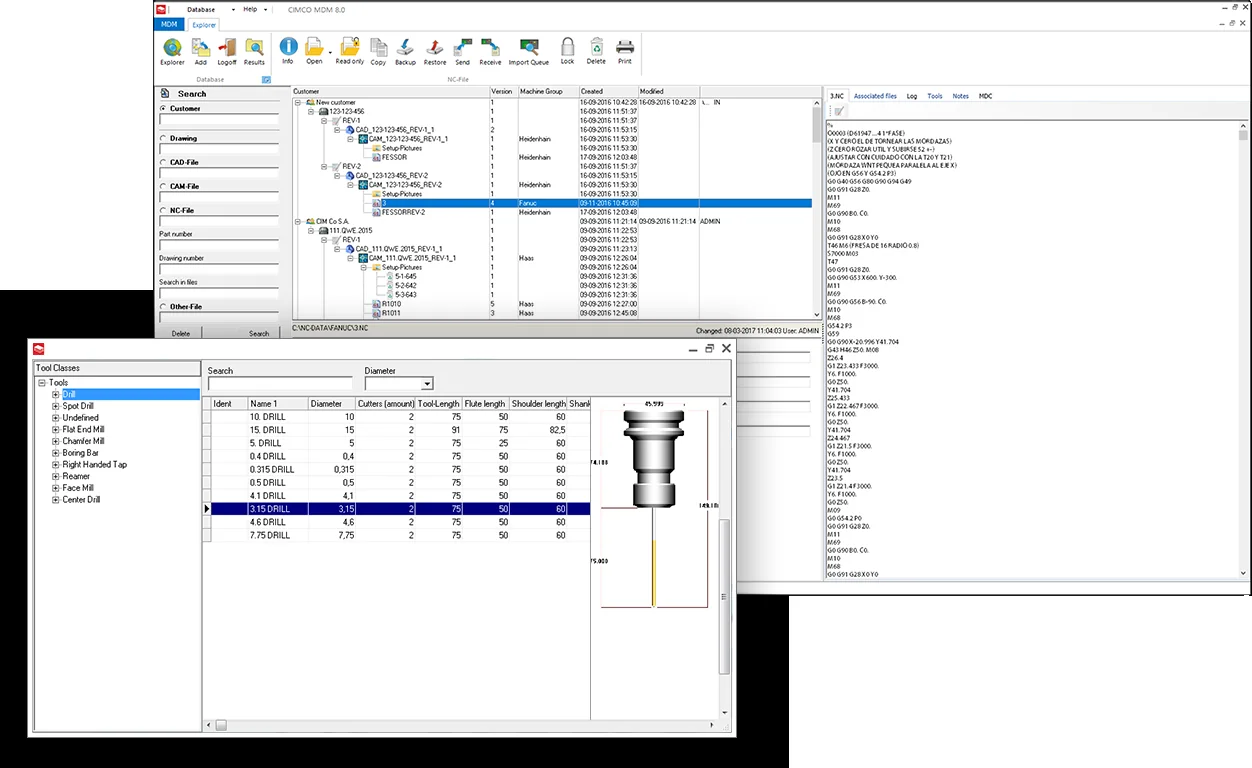 05
05MDM, NC-Base and MDC concepts for programs, documents and machine activity.
How programmes are shaped
Before delivery, MGC can review the machines, controls, software, experience level and expected outcomes. Exercises can then reflect the type of work the team needs to understand.
Complementary next-generation learning
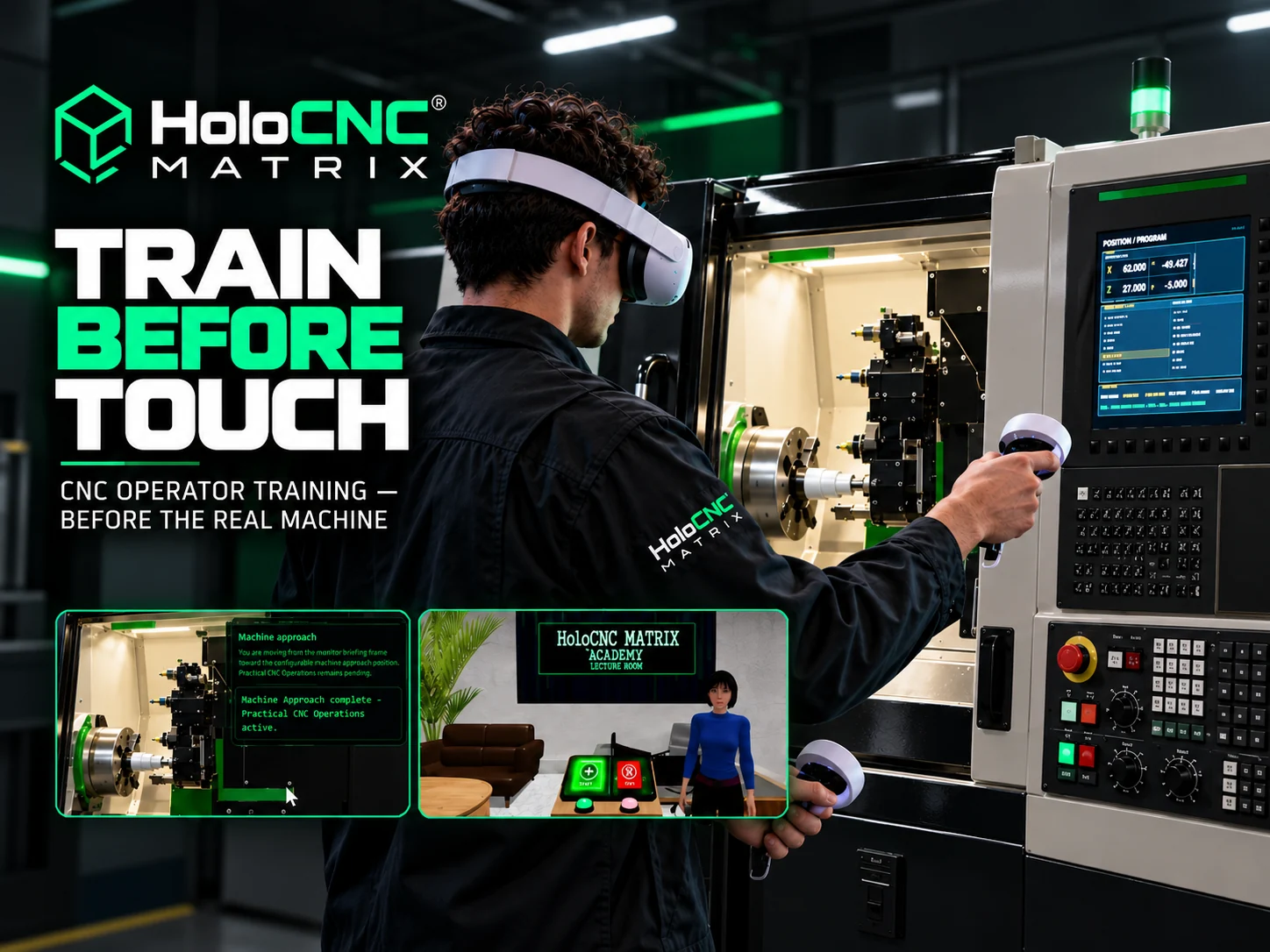
HoloCNC Matrix introduces WebXR/VR, digital-twin and hologram-ready CNC operator training experiences. It complements instructor-led CNC programmer and software training rather than replacing it.
Plan the programme
Share the controls, software, current experience and production objectives.
Request a company training quotation